Core Workflows
Aviation.Bot is built around document work that needs evidence, not just a fluent answer. These are the workflows to test first.
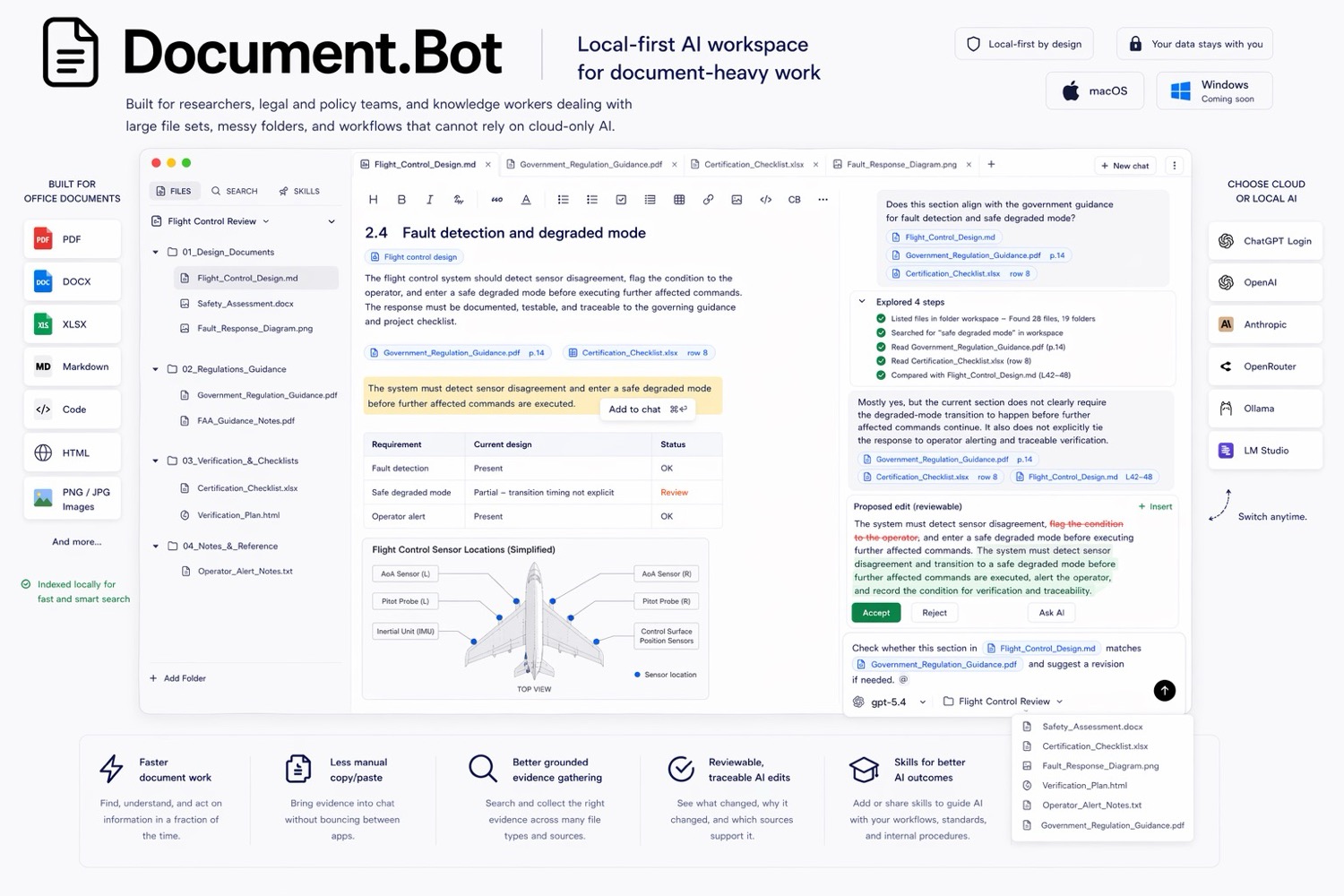
Search A Real Folder
Point Aviation.Bot at a focused workspace and ask questions that would otherwise require manual search:
- "Where is this requirement defined?"
- "Which manuals mention this procedure?"
- "Find conflicting definitions of this term."
- "Which documents are likely affected by this change?"
The goal is high-recall discovery: finding the relevant sources you need to inspect.
Inspect Original Sources
AI answers are only useful when you can check the evidence. After a search or answer, open the cited source documents and confirm the relevant passage in the original file.
This matters for:
- PDFs where layout and page context affect meaning
- Word documents with tracked or reviewable changes
- spreadsheets where surrounding rows or formulas matter
- regulated work where a source reference must be defensible
Draft With Context
Once the relevant sources are identified, use the agent to draft summaries, updates, or review notes. Good prompts are specific about scope and evidence:
Draft a change note for the affected documents. Use only the sources you found and list open questions separately.
Avoid asking for broad autonomous rewrites. Use drafts as a starting point and keep the human review loop intact.
Review Before Accepting
Aviation.Bot is designed around reviewable work. For important documents, inspect any proposed edits, compare them with the original source, and keep a record of why the change was made.
Use this workflow when the cost of a missed reference, wrong summary, or unsupported edit is high.
Choose The Right Model Setup
Aviation.Bot is model-agnostic by design. Teams can choose online, local, or customer-hosted models depending on their security, cost, and quality requirements.
For sensitive workflows, make the model boundary explicit before testing real customer or operational documents.